Vehicles Manager
Advanced Fleet Management: One Trusted Row Per Vehicle
For a yard of 10 to 60 vehicles, advanced fleet management means one trusted row per vehicle every morning, not another dashboard to check. Most small fleets lose the 06:00 hour because a spreadsheet and a group chat give two answers about the same van, and dispatch sends it anyway. Telematics shows where a vehicle is, but it cannot tell you whether the unit is cleared to leave, so a fleet readiness board that tracks status, shop work and inspections has to sit alongside it. The decision is whether to keep the yard running on one person's file or move to a shared system that anyone on the team can read before the first job goes out.
What Advanced Fleet Management Means for a Small Fleet
Advanced fleet management for a 10–60 vehicle yard means replacing the morning spreadsheet fight with a single, trusted status row that dispatch, shop and the owner can all see at once.
- A fleet readiness board shows one status per vehicle: ready, shop, or next service.
- Telematics tells you where a unit is, not whether it is cleared to leave the yard.
- The system runs on what you already have, with no hardware to install and no GPS contract to sign.
- Costs stay predictable at $2.99 per vehicle with no multi-year commitment.
- The morning board replaces the version conflicts that happen when a spreadsheet and a chat thread disagree.
The goal is not more dashboards or deeper analytics. The goal is one row that everyone trusts before the first job leaves the lot. A live readiness board for small fleets stops the 06:00 scramble by giving every stakeholder the same answer at the same time.
Why Spreadsheets and Group Chats Break the Morning Board
Most small contractor and rental fleets still run the yard from a spreadsheet saved on one person's desktop and a WhatsApp thread that pings all morning. The system works until it does not, and the breaks usually show up between 06:00 and 07:00, when two people mark the same van with different statuses and dispatch sends it anyway.

The problem is not laziness or lack of training. The problem is that a file and a group chat are two separate systems, and they never match for long. The shop marks a van down in the spreadsheet. The yard manager marks it ready in the chat. Dispatch works from whichever one they saw last. By the time the mistake surfaces, a unit that should be in the shop is already on a job, or a customer is standing in the lot waiting for a car that was supposed to be ready.
- Two people mark the same vehicle with conflicting statuses before the first coffee is finished.
- The only person who knows which units can actually leave is the one who owns the spreadsheet file.
- When that person is out, the yard stops moving because nobody else can read the board.
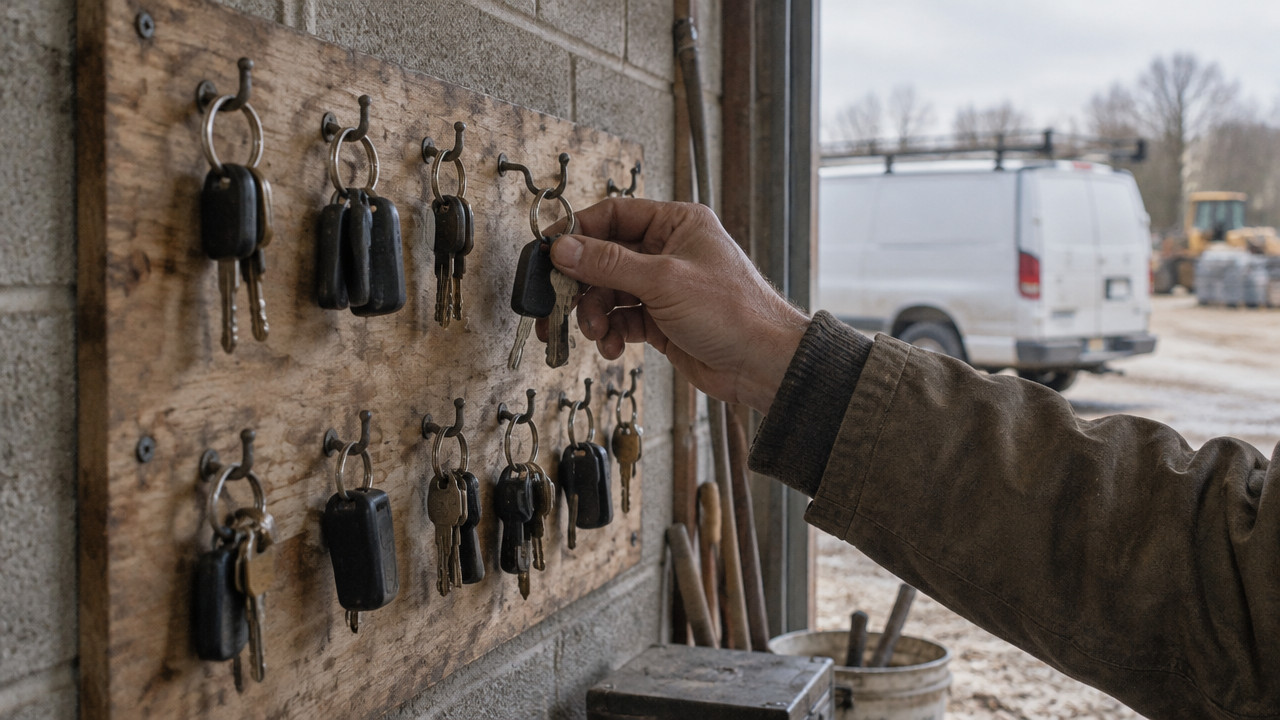
- Rental lots see the booking calendar and the key hook disagree by lunch.
- A unit already in the shop gets handed to a customer because the dispatch desk did not see the update.
In a yard of 10 to 60 vehicles, these mistakes happen daily. They are quiet and small, until they are not. A van goes out with a known issue, or a crew sits idle because the truck they expected is not ready. The spreadsheet owner gets a call at home. The WhatsApp thread scrolls until the answer is buried. The next morning, the same fight starts over. For rental lots where the calendar and key hook disagree, the gap is not theoretical. It is a daily operational friction that costs time and money.
Where Telematics Helps and Where It Stops
Telematics has changed how fleets track their vehicles. GPS tells you where every unit is in real time, and that visibility matters for route planning, driver safety and fuel efficiency. According to Gitnux, telematics reduces fuel consumption by 10-15% on average by giving fleet managers better data on driver behavior and route efficiency. Those savings are real, and they come from tools designed to track movement.
But telematics stops at the gate. A GPS dot shows a van parked at a job site, but it cannot tell you whether that van was cleared to leave the yard this morning. It cannot tell you if the shop flagged it for a brake issue yesterday, or if the next service date is overdue. That is a different question, and it needs a different answer.
A readiness board does not replace tracking. It answers the question that tracking skips: is this unit allowed to leave? The two systems work side by side. One handles location. The other handles status. The market for fleet management software is growing fast as more operations realize they need both. The global fleet management software market size is estimated at USD 12.65 Billion in 2026 and is projected to reach USD 14.88 Billion in 2027, which shows how quickly adoption is accelerating across small and mid-sized fleets.
Telematics tells you where the truck is. It does not tell you whether it is fit to leave this morning.
For contractor fleets, the distinction is more than semantics. A van marked "shop" on the readiness board does not leave, even if the GPS shows it parked in the lot. A van marked "ready" goes out. The board gives dispatch a single source of truth for that decision, without needing to check a spreadsheet, scroll a chat thread, or call the shop manager at home.
| Attribute | Location Tracking (Telematics) | Readiness Board |
|---|---|---|
| Question answered | Where is the vehicle right now? | Is it cleared to leave? |
| Setup time | Hardware installation required | No hardware, paste your list |
| Contract type | Often multi-year with hardware lease | Month to month, no commitment |
| Best fit | Routing, safety, fuel management | Morning dispatch, shop status, inspections |
| Data focus | Location and movement | Status and readiness |
What a Readiness-First System Needs to Do
A readiness board for a 10–60 vehicle yard has one job: show who can leave. Everything else is noise. The system needs to be simple enough that the yard manager, the shop lead and the dispatcher all use it without a training session. If it takes more than a glance to know whether a unit is ready, the board will fail.
The board tracks three states only. Ready means the unit is cleared for dispatch. Shop means it is down for work. Next service means the maintenance or inspection date is approaching, and the unit needs scheduling soon. Those three labels cover the morning decision. Anything more complicated just recreates the spreadsheet problem with different software.
Service dates and inspection records sit on the vehicle, not in a separate file or a forgotten email thread. When the shop finishes a repair, the status changes and everyone sees it. When a crew needs to know which truck to take, they check the board, not the key hook. For municipal fleets split across departments, the board can show only the units each department manages, so public works does not see parks vehicles, and vice versa.
- Displays one row per vehicle with ready, shop and next service as the only status options.
- Visible to dispatch, shop and owner in real time, with no file to email or sync.
- Service dates and inspection records sit on the vehicle record, not in a separate system.
- Departments or crews see only the units assigned to them.
- Works on any smartphone or browser with no app download required.
- Takes less than 15 minutes to set up from an existing vehicle list.
The best fleet management software for small operations is the one that gets used. If the board is too complex, the yard reverts to the spreadsheet and the group chat. If it answers the morning question clearly, it replaces them.
How to Move From Excel and WhatsApp in One Morning
Switching from a spreadsheet to a readiness board is not a database project. It takes about 15 minutes, and it starts with the list already on the manager's computer. No hardware crew arrives. No IT consultant sets up permissions. The yard manager pastes the vehicles into the board, sets the initial statuses, and the system is live before the first coffee break.
The pricing model is straightforward. Vehicles Manager charges $2.99 per vehicle per month with no multi-year contract and no GPS requirement. The first month is free, which gives the yard time to see if the board actually solves the morning problem. If it does not, they walk away. If it does, they keep the subscription and cancel the spreadsheet chaos.
For small fleet management, the transition is less about technology and more about habit. The team has to trust the board enough to stop checking the chat and stop calling the sheet owner. That trust builds fast when dispatch sees the status change in real time, and the shop sees that a van they flagged actually stays put.
- Paste your current vehicle list into the board from the spreadsheet you already use.
- Set each unit to ready, shop or next service based on this morning's actual status.
- Share the board link with dispatch, the shop and any crew leads who need to see it.
- Check the board at 06:00 instead of scrolling the group chat or opening the file.
- Cancel the morning spreadsheet ritual once the team trusts the single row per vehicle.
The $2.99 per vehicle pricing keeps costs predictable. There is no hardware to depreciate, no contract to unwind, and no GPS installation window to schedule. The board is software only, and it solves a software-sized problem: the gap between what the spreadsheet says and what the yard actually knows.
Advanced Fleet Management: Common Questions
Can I use a readiness board alongside a telematics contract I already have?
Yes. The board answers a different question than telematics, so the two systems run in parallel without conflict. Fleet readiness board status shows whether a unit is cleared to leave, while telematics vs readiness separates location from operational status. A van can have a GPS dot in the lot but be flagged "shop" on the board, and dispatch knows not to send it.
Is a fleet of one or two vehicles too small for this?
Yes. A yard with fewer than 10 vehicles usually does not have the coordination problem this board solves. The owner can keep the status in their head, and one spreadsheet does not generate enough version conflict to justify a shared system. A vehicle status tracking board works best for 10–60 vehicles where the morning decision involves multiple people.
What if my fleet needs routing or live tracking?
That is a different product category. A readiness board does not provide routing, GPS location or driver behavior data. Those tools are sold separately as telematics or fleet tracking systems. The board handles fleet maintenance scheduling and morning status, not live location. If routing is the primary need, a readiness board is not the right fit.
How do landscaping or trades crews use a one-row-per-vehicle board?
They check it before the first truck leaves. A landscaping crew can see which mowing rig is ready and which truck is in the shop, without calling the yard manager. Vehicle inspection tracking shows if a unit has a service date coming up. The board replaces the morning phone tree with a single shared view. For landscaping crews, that means less waiting and fewer disappointed customers.
Who updates the status when a van goes into the shop?
The shop manager or yard lead. The board is shared, so the person doing the work changes the status. When a van goes in for repairs, the shop marks it "shop." When the work is done, they mark it "ready." Dispatch sees the change without calling anyone, and the next service date reminder stays visible until the unit is scheduled.
Can different departments or bureaus see only their own vehicles?
Yes. The board can filter by department or crew so that each manager sees only the units under their control. Public works does not need to see parks vehicles, and a contractor with multiple crews can split the view by job type. This keeps the board clean and prevents a manager from accidentally sending the wrong unit.
Thu Nov 12 · Editorial Team