Vehicles Manager
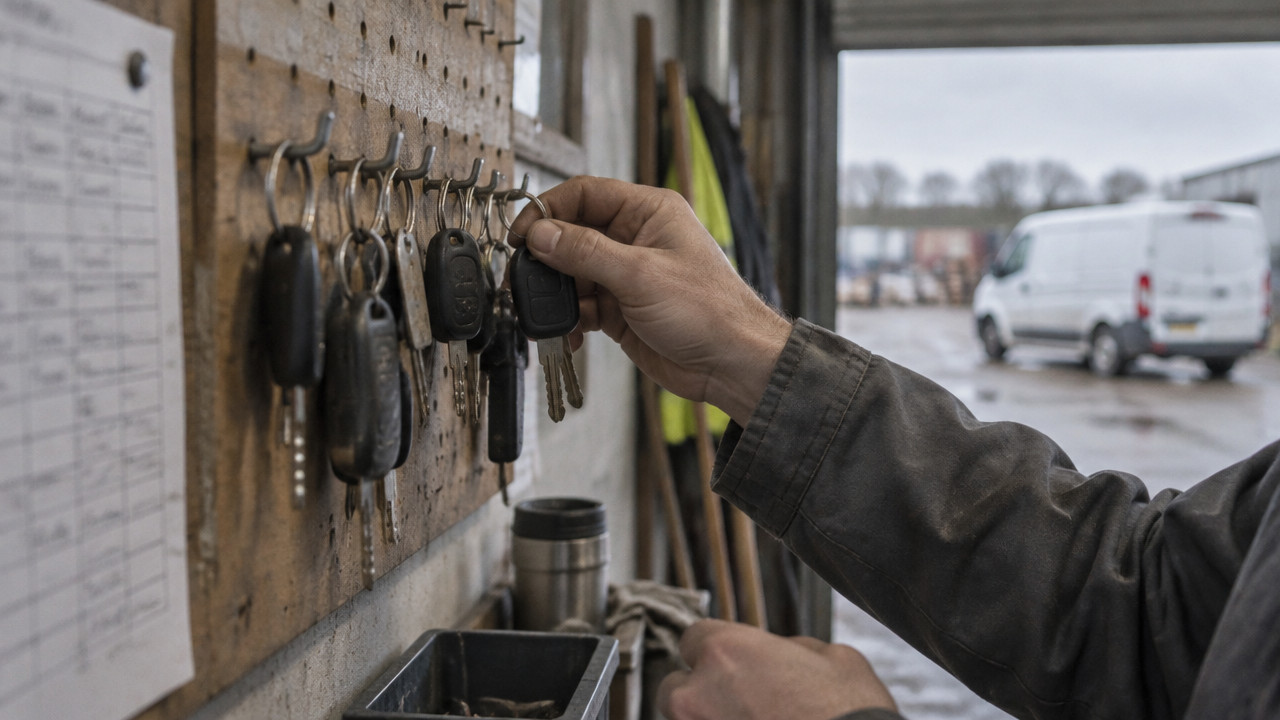
Commercial Fleet Management for Small Yards in 2026
Commercial fleet management for a small yard comes down to one question at 6:00 a.m.: which vehicles can leave right now? Not where they are. Whether they are allowed to go. If the answer lives in a spreadsheet and a WhatsApp thread, two people will mark the same van "ready" and "in shop," and dispatch will send it anyway. The fix is not a bigger system. It is one row per vehicle with three states: ready, shop, next service. Everyone sees it before the trucks roll.
Commercial Fleet Management in 2026, Answered: Which Vehicles May Leave the Yard Today?
The answer needs to be visible before the first driver touches a key. A live readiness board shows every vehicle in one place with one status. No calling the shop. No checking two spreadsheets. No guessing.
Small fleet management works when the board answers one question: may this vehicle leave the yard right now? The board uses three states only:
- Ready Vehicle passed inspection, no active shop ticket, cleared for dispatch.
- Shop Vehicle has a repair or maintenance ticket open. Cannot leave until marked ready.
- Next Service Vehicle is ready today but has scheduled maintenance due soon. Dispatch sees it. Shop sees it.

That is it. One row per vehicle. Three states. No GPS map. No ERP menu with forty fields. A live readiness board for small fleets replaces the spreadsheet argument and the WhatsApp thread with one screen that everyone checks at 05:50. If a van says "shop," dispatch does not send it. If it says "ready," the driver takes the keys. The morning board replaces the question "can we send this?" with the answer on the screen.
The 6:40 a.m. Failure: How Excel and WhatsApp Send a Shop Van Out the Gate
This happens every morning in yards running fleet spreadsheet alternative methods. Two people open the same file. One marks the van "ready" because they see it parked on the lot. Another marks it "in shop" because the mechanic called in the brake job last night. Neither checks the other's row. The file saves. Dispatch pulls the latest version and sends the van.
- 05:45 Yard manager opens the spreadsheet. Sees Unit 12 parked in the ready row. Marks it "ready."
- 05:52 Shop lead opens the same spreadsheet on a phone. Marks Unit 12 "in shop" for brake pads.
- 06:00 Dispatch refreshes the file. The last save wins. Unit 12 shows "ready."
- 06:15 Driver takes the keys. Pulls Unit 12 out of the yard.
- 06:30 Shop lead realizes Unit 12 is gone. Calls dispatch. Dispatch says the sheet said ready.
- 06:40 Driver gets called back. Customer job delayed. Brake pads still need doing.
The failure is not the people. They are working with broken tools. Rising parts and labor costs make one wrong dispatch more expensive than most owners realize. According to Fleetio, rising costs are the top concern for fleet managers in 2026, which means every avoidable dispatch error hits the budget harder than it did three years ago.
The bigger risk is the sheet owner. That one person who knows which rows are accurate. If they are out sick, on vacation, or just late to the yard, no one else knows what is real. The spreadsheet does not explain itself. A contractor fleets manager put it plainly: "Excel is killing me." When the sheet owner is not there, the yard runs on memory and guesses. That is how a van marked shop leaves the gate.
GPS Tells You Where the Van Is. It Cannot Tell You If It Is Fit to Leave.
GPS answers a different question. A telematics pin shows the van at 34th and Main. It does not show that the brake pads are at 20 percent or that the inspection sticker expires Friday. Location data is not release authority. Vehicle status tracking is not the same as location tracking.
A telematics system can tell you the van is idling too long or speeding on the highway. Some systems track driver behavior and maintenance intervals. But telematics does not replace the morning board. The dispatcher still needs to know: is this vehicle cleared to leave? According to Gitnux, telematics can reduce accident rates by 20 to 30 percent and improve driver safety by up to 25 percent, which matters for long-haul safety. But when the van is sitting in the yard, the question is not where it is or how safely it drove yesterday. The question is whether it may leave.
| Feature | GPS/Telematics | Readiness Board |
|---|---|---|
| Question answered | Where is the vehicle right now? | Is the vehicle cleared to leave the yard? |
| Setup | Hardware installation in each vehicle | No hardware, browser-based |
| Contract | Typically multi-year | Month-to-month |
| What it stops | Unauthorized routes, speeding, theft | Dispatching a vehicle marked shop or due for service |
| Who uses it | Safety managers, route planners | Yard managers, dispatch, shop leads |
The two systems do different things. GPS tracks the vehicle after it leaves. The readiness board controls whether it leaves. For rental lots where the calendar and key hook disagree, the problem is not where the car is. The problem is handing a customer a car that is supposed to be in the shop. A readiness board stops that before the customer gets the keys.
Build a Morning Readiness Board in 15 Minutes: Paste, Split, Mark
This is not a database project. You do not need IT. You do not need a consultant. The setup takes about 15 minutes, and you can try it with a free first month and no card on file.
- Paste your vehicle list. Copy the unit numbers and descriptions from your current spreadsheet. Paste them into the board. Check: do you see all your vehicles?
- Split by department. If you have public works, parks, and inspection, each department sees only its own units. Check: does each manager see just their trucks?
- Mark each vehicle ready or shop. Go down the list. Ready means cleared to leave. Shop means it stays. Check: do all shop vehicles show shop?
- Add next service dates. Put the upcoming service or inspection on the vehicle row. Check: can dispatch see what is coming due?
- Share the board link. Send the link to dispatch, the shop, and the yard manager. Everyone sees the same screen. Check: does everyone have access before morning roll-out?
What to skip:
- Do not create user accounts for every driver. Only yard, shop, and dispatch need to see the board.
- Do not import historical maintenance records. The board is for today's readiness, not a service history log.
- Do not set up notifications or alerts yet. Get the board working first.
- Do not try to integrate with accounting or fuel cards. That comes later if you need it.
When each department sees only its own units, you stop the quiet borrowing problem. A parks crew cannot take a public works truck because they do not see it on their board. Every department works from its own list. The morning board is one source of truth that replaces the spreadsheet fight.
What $2.99 a Vehicle Replaces, and Who Should Walk Away
The price is $2.99 per vehicle per month. No hardware to buy. No installation fee. No multi-year contract. You can cancel anytime. For most small yards, the monthly cost is less than one hour of shop labor.
| Fleet Size | Monthly Cost |
|---|---|
| 10 vehicles | $29.90 |
| 30 vehicles | $89.70 |
| 60 vehicles | $179.40 |
That is what a $2.99 per vehicle pricing model looks like. You pay for what you use. No minimums. No setup fees. No forced bundling with GPS or maintenance software you do not need.
But this is not the right fit for everyone. Some operators should walk away:
- One-car owners. If you have one vehicle, a spreadsheet is fine. You do not need a board.
- Fleets that need routing. This is not a route optimization tool. It does not plan delivery sequences.
- GPS seekers. If you need to track where vehicles go after they leave, you need telematics, not a readiness board.
- ERP seekers. If you want fuel tracking, parts inventory, and technician timecards, you need a full fleet ERP. This is not that.
Flatt the lattice: fleet management software for small business works when it solves one problem without creating five more. The readiness board solves the morning dispatch problem. It does not try to solve everything.
Key Takeaways: The Morning Board Rules That Keep Shop Vans in the Yard
- Check the board before dispatch pulls keys. One row per vehicle, one status.
- Mark vehicles ready or shop. No between states. No maybe.
- Block dispatch from sending a vehicle marked shop. The board is the authority.
- Share the board with yard, shop, and dispatch. Everyone sees the same screen.
- Replace the spreadsheet and WhatsApp thread with one source of truth.
Commercial fleet management for small yards means readiness before location. A trades fleets running mixed vans and trucks needs to know which units can work today. The board answers that question before the first driver asks.
FAQ: Spreadsheets, GPS Contracts, and Switching Without the Headache
We already use Excel. Why change?
No need to change if it works. But if two people mark the same van differently and the wrong status wins, the spreadsheet is broken. The board fixes that with one live status per vehicle.
Do I need GPS for this to work?
No. The readiness board has no GPS component. It tracks vehicle availability, not location. You can use it standalone or alongside your existing telematics.
Is there a multi-year contract?
No. The subscription is month-to-month. You can cancel anytime. No buyout, no early termination fee, no hardware return process.
How long does setup take?
About 15 minutes. Paste your vehicle list, split by department, and mark each vehicle ready or shop. The board is live beforetomorrow's morning rush.
What happens when the sheet owner is out?
The board runs without them. Everyone sees the same screen. No one person owns the status. If the yard manager is late, dispatch still sees which vehicles are shop or ready.
Can multiple departments use the same board?
Yes. Each department sees only its units. A landscaping crews manager sees landscaping trucks. Public works sees public works trucks. No quiet borrowing across departments.
Wed Nov 04 · Editorial Team