Vehicles Manager
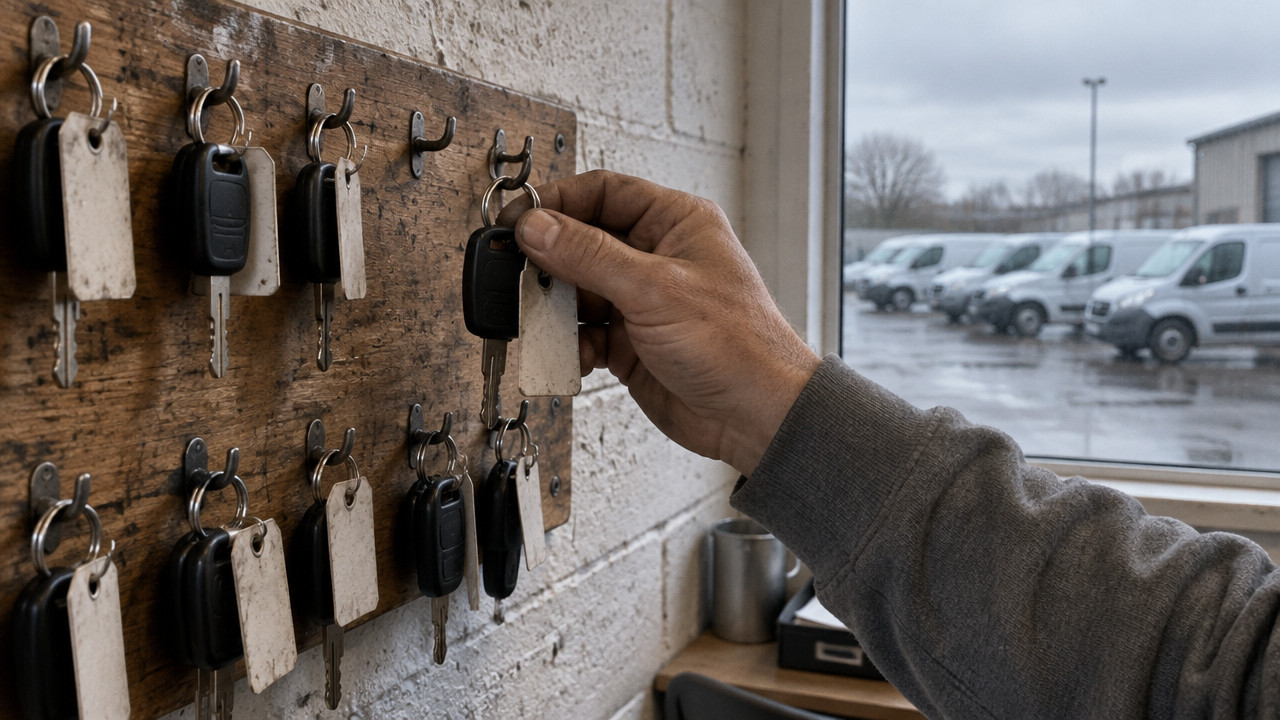
Live Vehicle Status Board: Which Units Can Leave Today
For a small rental fleet, a live vehicle status board works by giving each vehicle a single row that says whether it can leave the lot today. That row replaces the spreadsheet and the WhatsApp thread, which drift apart by mid-morning until dispatch sends out a van that is already in the shop. The trade-off is discipline: the board only protects vehicle availability if everyone updates ready, shop and next service in the same place, and it will not tell you where a vehicle is. The decision is whether your fleet still runs safely on one person's sheet, or whether the day that person is out already means there is no board.
How a Live Vehicle Status Board Works for a Small Rental Fleet
How does a live vehicle status board work for small rental fleets? It shows one row per vehicle with three possible states so dispatch knows instantly what can leave the yard.
- Each vehicle appears as a single card showing ready, shop, or next service.
- The board updates in real time when yard staff change a vehicle's status from any device.
- Three states keep the screen readable at a glance without database fields to maintain.
- No GPS or location tracking appears on the board, only operational readiness.
- The system replaces the morning spreadsheet and WhatsApp thread with one shared view.
According to Simplyfleet, a live vehicle status board is a digital dashboard that provides real-time visibility into the location, status, and availability of vehicles in a rental fleet, offering several key benefits for small operations. The difference is that a readiness board strips away everything except what matters at 6 a.m.: can this unit leave right now or not. It is a live vehicle status board for the person standing at the key rack, not a fleet management platform for an analyst two states away. The yard manager looks at the screen and sees which vans are marked ready for dispatch. Anyone can update a status from their phone as soon as a truck returns from a job or gets pulled into the shop. Nothing else competes for attention on that card, just the operational reality of that one vehicle.
Why a Spreadsheet and a WhatsApp Thread Break the Morning Board
The spreadsheet starts the day accurate. By 7 a.m., it has already drifted from reality. Two people touch the same file at different times, and the last saved version wins, even when the van on that row left an hour ago. The WhatsApp thread floods with messages about tire pressures and coffee runs and customer complaints until the one line about the truck in the shop scrolls out of sight. Dispatch prints the sheet at 5:45 a.m., never sees the chat, and sends the Transit that got marked "in shop" at 6:10. The guest is waiting at the counter when the mechanic calls to ask why someone drove off with the unit that needs brake pads.

This is not a technology problem. The people running the yard know exactly what is happening on the concrete. The problem is that their knowledge has nowhere to live except a file only one person edits and a chat that moves too fast to trust. When the sheet owner takes a vacation or calls in sick, the whole operation runs on memory until lunch, when memory gets tested against a rental calendar that also has not been updated since yesterday. Vehicles Manager exists to close the gap between what everyone knows and what the board actually shows.
- Two people update the same vehicle row in separate files, and the last save overwrites the earlier change without warning.
- A WhatsApp message about a van entering the shop gets buried under twenty other messages before dispatch reads it.
- The rental calendar shows a car available, but the key hook is empty because it never came back from yesterday's rental.
- The person who owns the spreadsheet is out, and nobody else knows which version is current or which trucks can safely leave.
At 6 a.m., the yard does not need more data. It needs the right data in one place where everyone can see it, and where one person's update does not silently erase another's. Fleet readiness fails because communication tools were never built for the morning board. A status board puts every update in the same row that everyone else sees, so the mechanic and the dispatcher are never working from different versions of reality.
What Sits on Each Vehicle Card: Ready, Shop, Next Service
Every vehicle gets one card. That card carries three fields, and nothing more. The current status answers the morning question: can this unit leave. Shop tells the desk where the vehicle is and why it cannot go. Next service shows the upcoming inspection or maintenance date so the yard can plan around scheduled downtime. Three states make the board easy to read from across the lot or while walking out the door with keys in hand. There is no database of fuel logs, no driver assignments, no GPS coordinates that answer a different question than the one being asked at dispatch.
The small rental fleet board does not try to be an ERP for people who do not have an ERP. It replaces the checklist on the whiteboard or the spreadsheet on the office computer with a card for each unit. The mechanic marks a truck "shop" when it pulls in. The yard manager marks it "ready" when the work is done. The office sees the change without calling the shop or walking across the yard.
| Card Field | What It Tells the Desk | Who Updates It |
|---|---|---|
| Ready | Vehicle can leave the lot immediately | Yard manager or dispatch |
| Shop | Vehicle is in maintenance and unavailable | Shop staff or mechanic |
| Next Service | Inspection or scheduled work is due soon | Shop staff or yard manager |
Vehicle availability is a binary decision at 6 a.m. The truck is either ready or it is not. The board does not show that it might be ready in a few hours or that it was ready yesterday. It shows what can leave right now. The shop status tracking tells the desk why a vehicle cannot go, whether that is brakes, tires, or a scheduled oil change that got delayed a week. The person at the counter does not need to call the bay to find out if the F-150 can go out. The card answers before the question gets asked.
Setting Up the Board in Four Steps
Getting started does not require an implementation project or a training session. The setup is pasting a fleet list into a form, filtering by lot location if the operation runs more than one yard, and reading the board that comes back. The first month has no card requirement so the yard can test whether the board actually fixes the morning fight. Most operations are running within 15 minutes of the first call.
- Export the current fleet list from the spreadsheet or rental system and paste it into the board's setup form.
- Assign each vehicle to a lot location if the fleet operates across multiple sites or depots.
- Verify that every vehicle shows as ready, shop, or next service before the first morning board goes live.
- Share the board link with yard staff, the shop, and dispatch so everyone updates from the same view starting the next shift.
After setup, the operation runs on the same morning routine with one change. Everyone looks at the same screen. Inspection due dates appear on each card alongside the status, so the yard can see that the Transit needs brake work before the next rental. Overnight, nothing changes except where the answer lives. The board does not replace the rental calendar or the work order system. It replaces the spreadsheet that nobody could keep current and the group chat that could not be trusted.
Pricing stays simple because the tool stays simple. pricing at $2.99 per vehicle after the open first month. No annual contract, no setup fee, no hardware to install. A 10-vehicle yard pays less than thirty dollars a month for a board that makes sure nobody hands a guest the keys to a truck waiting on a lift. The first month is open to test whether the board actually stops the mismatch between the sheet and the shop.
Who the Board Fits and Who Should Skip It
The board fits yards between roughly 10 and 60 vehicles where one person still runs the morning board by hand. That owner or yard manager uses a spreadsheet or a printed list because the fleet is too small for an enterprise system and too large to keep in one person's head. The spreadsheet and WhatsApp replacement works for contractor fleets, rental yards, landscaping operations, shuttle services, and municipal fleets that need to know what can leave without building a dispatch desk.
- Contractor fleets vans and trucks assigned to jobs each morning run off the status board instead of the foreman's memory.
- Equipment and tool rentals the board shows whether the trailer or excavor is on the lot or out on rent without calling the yard.
- Landscaping and trades crews see which trucks are ready before they arrive at the yard, so the morning start does not wait on a phone call.
- Shuttle and passenger transport the dispatcher knows which buses can run the route without walking the lot at 5 a.m.
- contractor fleets the board handles mixed equipment types where each unit needs its own card for readiness and shop status.
The board does not fit a one-car owner who can see readiness by walking outside. It does not fit a fleet that needs GPS tracking or route optimization, because it does not answer where the vehicle is or how to get it to the next stop. It does not fit an operation that already runs an ERP with a dispatch desk and maintenance scheduling, because those tools serve the same function with more features. This is a tool for yards that run on a sheet, a phone, and the person who knows which trucks can go. When scale makes that person the bottleneck, the board takes their place in the morning routine.
Frequently Asked Questions About Live Vehicle Status Boards
We already have a rental system, why do we need a status board?
No. A rental system books the customer and tracks the contract. A status board tracks whether the vehicle can physically leave the lot. Those are two different questions. The rental calendar shows a Ford Transit is available for a Wednesday booking. The status board shows that same Transit is on a lift with the wheels off. Without the board, the counter hands a guest the keys to a vehicle that cannot move. The rental system manages demand. The board manages rental fleet management of the actual metal on the concrete.
Does the board track where vehicles are or need GPS hardware?
No. The board shows whether a vehicle is allowed to leave, not where it went after it left. GPS tells you the van is parked at a job site. The status board tells you whether that van was marked ready before it drove off. There is no hardware to install and no tracking subscription. The board answers the morning question of who can take a unit, not the afternoon question of where that unit ended up.
What happens when the person who owns the sheet is out?
Nothing changes. The board replaces the one person who knows which trucks can leave with a shared system that anyone can update. The yard manager marks a van ready before going on vacation. The shop marks it in for service when the brakes fail. Dispatch sees the update without calling anyone. The operation keeps running because the knowledge is in the cards, not in one person's head or phone.
Can one board cover two lots without double-renting a car?
Yes. Each vehicle card shows its lot location alongside the status. The same board handles a downtown lot and an airport depot without creating separate systems. The counter at one site can see what is ready at the other, and the shop at one yard can update vehicles for both. Double-renting happens when two sheets do not sync. A single board means only one version of the truth exists for every unit.
Is there a long-term contract or setup project?
No. The service runs month to month at $2.99 per vehicle after the first open month. There is no multi-year lock-in and no setup project that requires on-site installation. The yard pastes the fleet list, filters by lot, and starts using the board the same morning. Maintenance teams and municipal fleets use the same straightforward setup because the board does not require enterprise integration.
Can a municipal or trades fleet use the same board?
Yes. The three-state system works for any yard that needs to know whether a vehicle can leave, regardless of whether that vehicle is a rental car, a dump truck, or a municipal works van. A municipal fleet board uses the same ready, shop, and next service fields without modification. The city yard runs the same morning routine as the rental lot: check what can leave, assign it to the job, and update the status when the work finishes.
Fri Nov 13 · Editorial Team