Vehicles Manager
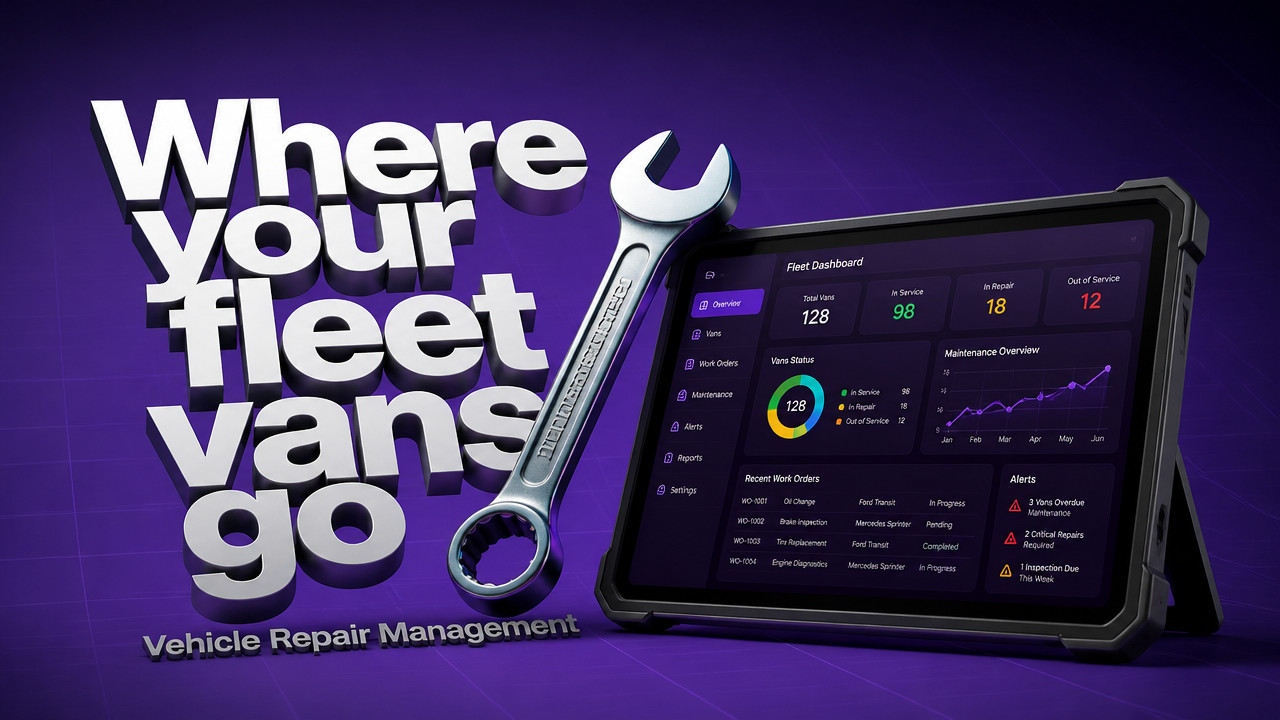
Vehicle Repair Management for Small Fleets: Stop Sending Shop Vans
Vehicle repair management for a small fleet comes down to one question at 06:00: can this van leave the yard? Not where it is, not when the oil was last changed. Can it go. A spreadsheet and a WhatsApp thread answer that differently depending on who saved last, so a van marked shop still rolls out. Fix it with one row per vehicle and three states: ready, shop, next service. Everyone reads the same board, and the shop's status overrides the dispatcher's guess.
Quick Answer: Repair Management Is a Yes-or-No Call on Every Vehicle at 06:00
Vehicle repair management is the single yes-or-no decision on every unit before the crew arrives. It is not maintenance history, not GPS coordinates, not a fuel log. It is one row per vehicle with a status that tells dispatch what can leave right now. A live readiness board for small fleets replaces the fight over whose spreadsheet is current.
- Ready: The unit is fit for dispatch and can leave immediately.
- Shop: The unit is under repair and blocked from dispatch.
- Next Service: The unit runs today but needs scheduling soon.

Why Your Spreadsheet and WhatsApp Thread Send a Shop Van Out Anyway
The van was marked "in shop" last night. At 06:05, the dispatcher opens the last saved version of the sheet and sees "ready." The morning crew for contractor fleets is already loading tools. The van leaves. Ten miles out, the brake warning light comes on. The spreadsheet owner is on vacation. Nobody else knows which version to trust.
This is not rare. Small fleets run on one person's spreadsheet and a WhatsApp thread that moves at different speeds. Someone marks the unit in the chat but not the sheet. Someone else updates the sheet but not the chat. By the time the yard fills up, two people have marked the same van two different ways. According to Gitnux, over 50% of small fleet owners still rely on spreadsheets to manage operations, which directly contributes to costly miscommunication and dispatch errors.
- 06:00: Shop mechanic marks van M-441 "shop" on the whiteboard in the bay.
- 06:03: Dispatcher opens yesterday's Excel file on a phone; it still says "ready."
- 06:05: Yard lead marks M-441 "ready" in the WhatsApp thread based on memory.
- 06:12: Crew arrives. Dispatcher assigns M-441. Keys are handed over.
- 06:30: Van is on the road. Shop lead realizes the unit left against orders.
- 08:15: Shop calls the driver. Return the unit. The job is now half a day behind.
The cost is not just the return trip. It is the lost morning, the rescheduled customer, and the risk of sending a unit that should have stayed put.
Three States, One Row Per Vehicle: The Only Repair Board a 40-Van Yard Needs
A working repair board strips everything down to what the yard needs at 06:00. Ready. Shop. Next service. That is it. No service history fields, no parts inventory, no multi-step approval chains. The shop marks a unit shop, and dispatch sees it blocked. The mechanic clears it to ready, and the board updates. Everyone sees the same status because there is only one board. Trades and service crews do not need a dissertation on vehicle downtime management; they need to know whether Unit 12 can leave.
| State | What It Means | Who Sets It | What It Stops |
|---|---|---|---|
| Ready | Unit is fit for dispatch | Shop or Yard Lead | Nothing. Unit is available. |
| Shop | Unit is under repair or inspection | Shop Mechanic | Dispatch cannot assign this unit. |
| Next Service | Unit runs today but service is due | Shop or Yard Lead | No dispatch block. Triggers scheduling. |
Fewer fields means the board actually gets used. A mechanic will not log into a 27-field ERP at 06:00. A yard lead will not scroll through pages of service history to see if Unit 12 is good. Three states. One row. The answers are visible from across the yard on a phone.
GPS Tells You Where the Truck Is, Not Whether It Is Fit to Leave
Telematics and GPS answer one question: where is the unit right now. That is useful. But location data does not tell you if the transmission was rebuilt last night, or if the inspection sticker expires tomorrow. Location does not know that the shop flagged the van "no start" at 05:45. A readiness board is not a competitor to GPS. It is a different tool for a different question. For larger operations, municipal fleet boards per department show this split clearly the GPS shows the truck on Route 9, but the board shows the truck was never cleared to leave.
Small fleets often say: "We already have GPS." That is fine. Keep the GPS contract. Use it for tracking, routing, and recovery. But do not ask the GPS whether the van is fit to roll. That question belongs on a readiness board.
| Question the Yard Asks | Which Tool Answers It |
|---|---|
| Where is Unit 12 right now? | GPS / Telematics |
| Can Unit 12 leave this morning? | Readiness Board |
| When was Unit 12's last oil change? | Maintenance Log (separate) |
| Is Unit 12 under repair right now? | Readiness Board (Shop state) |
GPS is location. Readiness is permission. You need both, but they answer different questions.
How to Move Your Repair Tracking Off Excel in 15 Minutes
Setup is not a database project. There is no implementation consultant, no training seminar, no multi-week rollout. You paste the vehicle list, set the states, and tell the shop where to look. The service dates and inspection flags ride on the vehicle, not in a chat thread that scrolls out of view in ten minutes. For seasonal operations, landscaping crews can be onboarded the same way paste the list, set the states, and the yard is live.
- Paste your vehicle list. Unit ID, type, and current status are all you need. No VINs unless you want them.
- Set each vehicle to Ready, Shop, or Next Service. This takes about 20 seconds per unit.
- Share the board link with the shop. The mechanic marks units "shop" from their phone in the bay.
- Tell dispatch where to look. The board is live. No refreshing, no saved files.
- Check the board before the crew loads. Shop status overrides everything else.
Tip: Seasonal crews get faster answers when the board is already built. Add new units in spring, archive in fall. The history stays, but the board stays clean.
Rental Lots, Crew Yards, City Departments: Where a Shop Flag Saves the Morning
Different yards, same problem. The status in one person's head does not match the status in another person's system. A shop flag on a shared board fixes the mismatch before the day starts.
Rental Lots: Booking Calendar vs. Key Hook
A customer reserved the silver pickup for today. The key hook says it is there. The mechanic knows it is in the bay with a seized caliper. By 10:00, the customer is waiting, the counter is apologetic, and the reservation is moved to a different unit. A shop flag would have blocked the reservation from confirming on a unit that was not fit to rent. For rental fleets, this mismatch costs time, trust, and repeat business.
Crew Yards: Shop Owns the Status
The yard lead marks Unit 6 ready at 05:50. The shop mechanic is under Unit 6 at 05:55, replacing a brake line. The dispatcher sees "ready" on the yard lead's update and sends the crew. On a readiness board, the shop status wins. When the mechanic marks it shop, it stays shop until the mechanic clears it. The dispatcher cannot override from their phone.
City Departments: Each Bureau Sees Its Own Units
Public works, parks, and water each run their own vans. The morning spreadsheet mixes them together. A parks dispatcher accidentally sends a public works truck because the ID looked close enough. A per-department board shows each bureau only its own units. No cross-bureau borrowing without updating the board.
Who Should Skip This Board, and What the Rest Pay: $2.99 a Vehicle
Not every yard needs this. A one-car owner, a fleet that requires routing optimization, or a yard hunting for a full ERP should look elsewhere. This board does one thing: it answers "can this unit leave" for every vehicle, every morning. $2.99 per vehicle pricing is flat. No tiers, no per-user fees, no multi-year lock-in.
- Skip it if: You have one vehicle, you need GPS tracking or route planning, or you want a full fleet ERP with service history, parts, and fuel.
- Run it if: You manage 10-60 vehicles, you answer the morning board question from a spreadsheet and a chat thread, and you need the shop's status to stop dispatch errors.
Price example: A 30-vehicle yard pays $89.70 per month. First month is free. Cancel anytime. No contract, no setup call required though we will build yours on a 15-minute call if you want.
Key Takeaways: What a Working Repair Board Must Do Every Morning
- One row per vehicle. No tabs, no hidden columns, no conflicting saved files.
- Three states only. Ready, shop, next service. Everything else is noise.
- Shop status wins. When the mechanic marks it shop, dispatch cannot send it.
- Board works when the owner is out. No single point of failure in one person's head.
- Setup takes 15 minutes. Paste the list, set the states, share the link.
Start the free month today. Put the morning board question on one screen where everyone can see it.
FAQ: Vehicle Repair Management Questions Yard Owners Actually Ask
We already have a spreadsheet. Why switch?
You should switch if the spreadsheet causes morning fights. Two people with two versions of the same file send conflicting answers. A live board has one version. Everyone reads the same status at the same time.
Do I need GPS or telematics to use this?
No GPS is required or included. This is a readiness board, not a tracking system. Use it alongside your existing GPS, or on its own if you do not have telematics.
Is there a long-term contract?
No multi-year contract. You pay month to month after the free first month. Cancel before the next billing cycle and you owe nothing further.
How long does setup take?
About 15 minutes for most yards. Paste your vehicle list, set the initial states, and share the link with the shop and dispatch. No training session, no implementation team.
What if the shop does not check the board?
The shop marks status from their phone in the bay. If they skip it, dispatch calls them. One day of calls usually fixes the habit. The board is faster than the phone tag that happens when a van marked shop leaves the yard.
Does this track maintenance history?
No full history log. This board answers the readiness question, not the service-record question. Service dates and next-service flags sit on the vehicle. Use a separate maintenance system if you need detailed repair logs.
Sun Oct 25 · Editorial Team