Vehicles Manager
Robot Fleet Management: What Small Yards Can Borrow in 2026
Robot fleet management is software that decides which machines are fit to work, assigns them tasks, and stops anyone from sending a unit that should be parked. That is the same problem your yard has at 06:40 a.m., when two people mark one van both "ready" and "in shop" and dispatch sends it anyway. Robots get orchestration engines. Small vehicle fleets get a spreadsheet and a WhatsApp thread. This guide explains how robot fleet management works, what it costs in 2026, and the one idea worth stealing.
Quick Answer: Robot Fleet Management Is a Go/No-Go Decision, Not a Map
Robot fleet management software answers one question before any machine moves: is this unit fit to work? It tracks status, handles assignment, and confirms availability so no robot and no vehicle leaves in a state it should not. According to Custommarketinsights, the global robot fleet management software market is estimated to reach USD 2.93 billion in 2026 and USD 12.67 billion by 2035. That growth comes from one core need: stopping dispatch errors before they happen.

A robot fleet management system provides a a live readiness board for small fleets. It makes the go/no-go call visible. The core functions are simple:
- Status tracking: one authoritative state per unit ready, in shop, or due for service
- Task assignment: matching fit machines to pending jobs without conflict
- Availability lock: preventing dispatch of any unit marked unfit for work
What Warehouse Robot Orchestration Gets Right That Your Morning Board Gets Wrong
Automated guided vehicles and autonomous mobile robots do not argue over who changed the spreadsheet. Warehouse orchestration software keeps one status per robot, updates it in real time, and blocks any assignment that conflicts with that state. When a unit enters maintenance, the system removes it from the available pool instantly. No duplicate entries. No version control fights.
According to Marketsandmarkets, the global AMR/AGV fleet management software market size was valued at USD 1.58 billion in 2025 and is projected to reach USD 5.23 billion by 2032. Facilities invest in this because the cost of sending a broken robot to a job is higher than the software. Your morning board has the same problem at a smaller scale, just with vans instead of robots.
The yard manager who trades fleets running the same morning scramble knows what happens next. Two supers open the file. One marks the Transit "ready." The other marks it "shop." Dispatch trusts the wrong row. The crew stages. The job waits. The shop tech gets a call asking why the van they started work on at 06:15 is not at the site. Orchestration stops this by enforcing rules before movement:
- Single source of truth: one status per unit, no local copies that drift apart
- Real-time state change: the moment shop work starts, that unit leaves the ready list
- Assignment blocking: no task gets assigned to a unit in maintenance or offline status
- Audit trail: who changed status, when, and why all recorded, not lost in a chat thread
Humanoid Fleets Will Make the "Is It Fit to Work?" Question Impossible to Ignore
Humanoid robots add pressure to the readiness question. A wheeled AGV that breaks down sits in the aisle. A humanoid on a factory floor or logistics site may block walkways, miss safety checks, or fail a task that requires certification. The stakes go up when machines work alongside people. If a humanoid should be in the shop, it cannot be on the floor. Period.
According to Factmr, the humanoid robot fleet management services market is valued at USD 0.6 billion in 2026 and projected to reach USD 45.0 billion by 2036. That growth signals a shift. Managing fleets of humanoid workers requires readiness discipline at a level most small vehicle yards have never needed. The technology forces the issue. Ready means ready. Shop means shop. There is no "I think someone said it was okay."
The same principle applies to landscaping crews, contractor yards, and rental lots. The question is not where the vehicle is. The question is whether it is allowed to leave. Humanoid fleet operators will answer that with software. Vehicle fleet operators can answer it the same way, without the robotics budget.
Why Tracking Alone Fails: A Van on the Map Can Still Be Unfit to Leave
GPS telematics tells you where the van is. It does not tell you whether the van should be there, or whether it was fit to leave the yard in the first place. At 06:00, the spreadsheet says "ready." By 06:15, the shop has marked it "in shop." Dispatch sends it at 06:40 because the telematics shows it parked in the yard, and nobody updated the shared file before the morning rush.
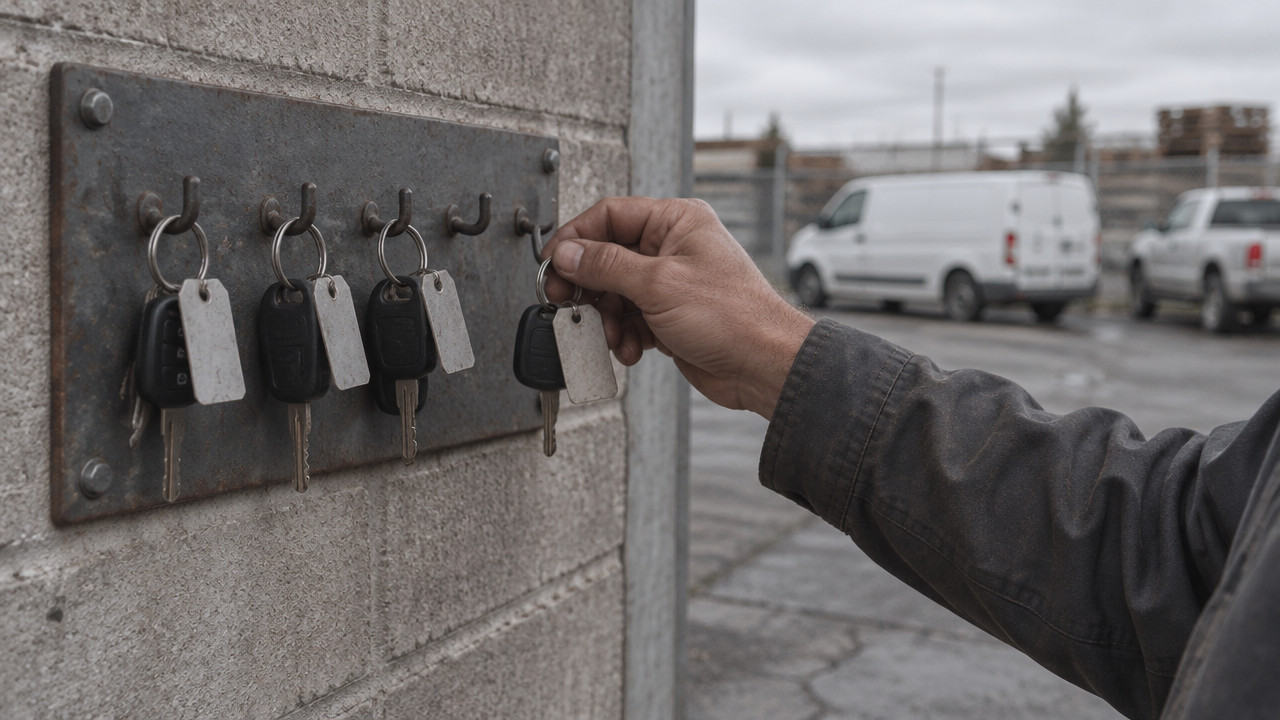
The failure is not the GPS. The failure is the gap between location data and permission-to-leave status. A van can be on the lot, fully tracked, and still be completely unfit to drive. Brakes. Transmission. Warning lights. The key hook agrees with the booking calendar, but the mechanic started work an hour ago. Tracking after dispatch does not fix the dispatch error.
The yard manager who needs to know which truck can leave for the job needs a status board, not a map. Here is the difference:
- Spreadsheet failure: two versions open, status conflicts, no audit trail, dispatch sends van marked shop
- Readiness board: one row per vehicle, three states only, status visible to yard and shop before any dispatch
How to Set Up a Three-State Readiness Board in 15 Minutes
You do not need hardware, GPS, or a multi-year contract. You need a list of your units and a way to mark each one with one of three states: ready, shop, or next service. The board replaces the spreadsheet argument. It gives everyone in the yard the same view of what can leave this morning.
Setup takes about 15 minutes. Pricing starts at $2.99 per vehicle after the free month, with no long-term lock-in. Here is how to do it:
- Paste your vehicle list: copy the units from your current spreadsheet or WhatsApp thread into the board plate numbers, unit IDs, or whatever you call them
- Set the initial state: mark each vehicle as ready, in shop, or due for service based on what you know right now
- Add yard and shop users: give access to the people who change status the yard manager, the shop tech, dispatch so they all see the same board
- Enforce the rule: nothing leaves without the board showing ready; if the board says shop, the van stays put
- Update in real time: when work starts or finishes, change the state immediately the board replaces the morning WhatsApp fight
Robot Orchestration, GPS Telematics, or a Readiness Board: Pick by Fleet Size
Not every yard needs robot fleet management software. Not every yard needs GPS. The right tool depends on fleet size, operational complexity, and what problem you are actually trying to solve. An ERP will not fix a morning board run on a shared spreadsheet. GPS will not stop a van marked shop from leaving. A readiness board will not route your trucks or tell you where they are.
Here is how the options stack up:
| Approach | Best for | Setup effort | What it won't do |
|---|---|---|---|
| Robot orchestration software | Warehouses, factories with AMR/AGV fleets, 50+ autonomous units | High integration with robot hardware, enterprise IT | Will not track non-autonomous vehicles or replace a yard board |
| GPS telematics | Fleets needing location tracking, routing, driver behavior, fuel monitoring | Medium hardware install per vehicle, monthly contracts | Will not tell you if a unit is fit to leave before dispatch |
| Readiness board | Small contractor and rental fleets, 10–60 vehicles, no GPS or ERP needed | Low paste list, set states, add users, same-day setup | Will not track location, route trucks, or replace full ERPs |
The rental lots where the calendar and key hook disagree fit the readiness board model. So do contractor yards where the morning spreadsheet breaks as soon as two people open it. If you need routing, driver logs, or fuel tracking, add GPS. If you need full enterprise resource planning, add an ERP. If you need to stop sending vans that are in the shop, start with a readiness board.
Key Takeaways: Steal the Principle, Skip the Robotics Budget
Robot fleet management software solves a problem small yards already have: making sure no unit leaves when it should be parked. The principle is one authoritative status per vehicle, visible to everyone who needs it, updated before any dispatch decision. You do not need an AMR orchestration engine to apply that principle. You need a board that shows ready, shop, and next service and a rule that nothing leaves without the board saying ready.
- One status per unit: no spreadsheet conflicts, no version control fights, no dispatch based on stale data
- Three states only: ready, shop, next service enough to answer the morning question without complex software
- Board stops the error: if the board says shop, the van stays put, no matter what the WhatsApp thread says
- No hardware required: paste your list, set states, add users, and run the yard from one screen
- Scales with your fleet: works for municipal fleets, contractors, rental yards any operation that needs to know what can leave
FAQ: Robot Fleet Management Questions Small Operators Actually Ask
What is robot fleet management?
Robot fleet management is software that tracks status, assigns tasks, and confirms availability before any autonomous unit moves. The market for this software is projected to reach USD 2.93 billion in 2026, growing at 17.7% CAGR through 2035. It applies the same go/no-go discipline your yard needs with vehicles.
Do I need robot fleet management for a 20-truck contractor yard?
No you need the principle, not the robotics software. A readiness board with ready/shop/next service states costs $2.99 per vehicle with no hardware or multi-year contract. Robot orchestration is built for AMR/AGV fleets in warehouses, not vans in a contractor yard.
Can GPS telematics replace a readiness board?
No GPS tracks location, not permission to leave. Telematics tells you where a van is after it leaves. A readiness board tells you whether it should leave in the first place. You may need both for shuttle operators, but GPS alone will not stop dispatch errors.
Why does a shared spreadsheet fail at 06:00 a.m.?
Two people open it, make conflicting changes, and dispatch trusts the wrong version. There is no single source of truth, no audit trail, and no way to lock a unit out of the ready list. By the time the shop call happens, the van is already en route to a job it cannot complete.
How long does it take to switch from a spreadsheet to a readiness board?
About 15 minutes paste your list, set initial states, and add users. No hardware install, no GPS contract, no integration project. The board works the same day, and the first month is free so you can see if it stops the morning errors.
Mon Nov 09 · Editorial Team